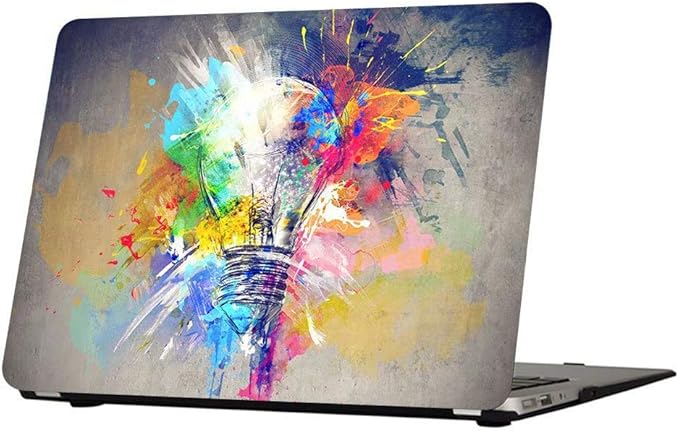
MacBook Pro 14″ and 16″ Skins — Exact Lid Fit
MacBook Pro skins need careful sizing because the 14-inch and 16-inch lids sit in different footprints from Air models. This page focuses on the 14-inch Pro while calling out 16-inch differences so you do not order by screen marketing alone. Pre-cut packs labelled for your exact Pro year usually fit cleanest; universal sheets work if you measure width × height and trim without stretching the print. Use the measure guide, application steps, and the family overview on MacBook skins. Deeper reading: best MacBook Pro skins 2026.
Skins listed for the MacBook Pro 14″


M1–M5 models.
How to find your exact Pro model
Check About This Mac for “MacBook Pro (14-inch, …)” or “16-inch”, plus the chip year. On the closed lid, measure width × height of the flat aluminium panel in cm and inches. A 14-inch Pro is not an Air; a 16-inch Pro needs a larger sheet class. Model identifiers on the underside help when listings name A-numbers.
Pre-cut vs universal sheet
Pre-cut Pro skins often include precise camera and edge cuts. Universal film should overhang by 1–2 cm so you can trim to the flat plane. Never stretch vinyl to “make” a 14-inch sheet cover a 16-inch lid.
Camera, logo and vent caveats
Keep the notch/camera housing clear. Leave hinge radii free. Pro lids rarely have top vents, but do not wrap into speaker grilles on the chassis edge. Decide whether the Apple logo should stay visible under the film.
Finish advice for Pro aluminium
Pro aluminium shows scratches easily; a skin can hide light wear while staying thin. Matte black or soft grey suits professional desks; textured films add grip for bag carry. Gloss holographic looks striking but shows every fingerprint — fine if that is the point.
16-inch Pro note
If you own a 16-inch Pro, use the same measuring method but buy the larger size class. Many “14-inch only” pre-cuts will not fit. Cross-check the family page and measure guide before ordering.
Example products to compare
Confirm listing compatibility — including M-series year — on Amazon.
Hard cases listed for the Pro 14″


2021–2023 (A2442–A2992).