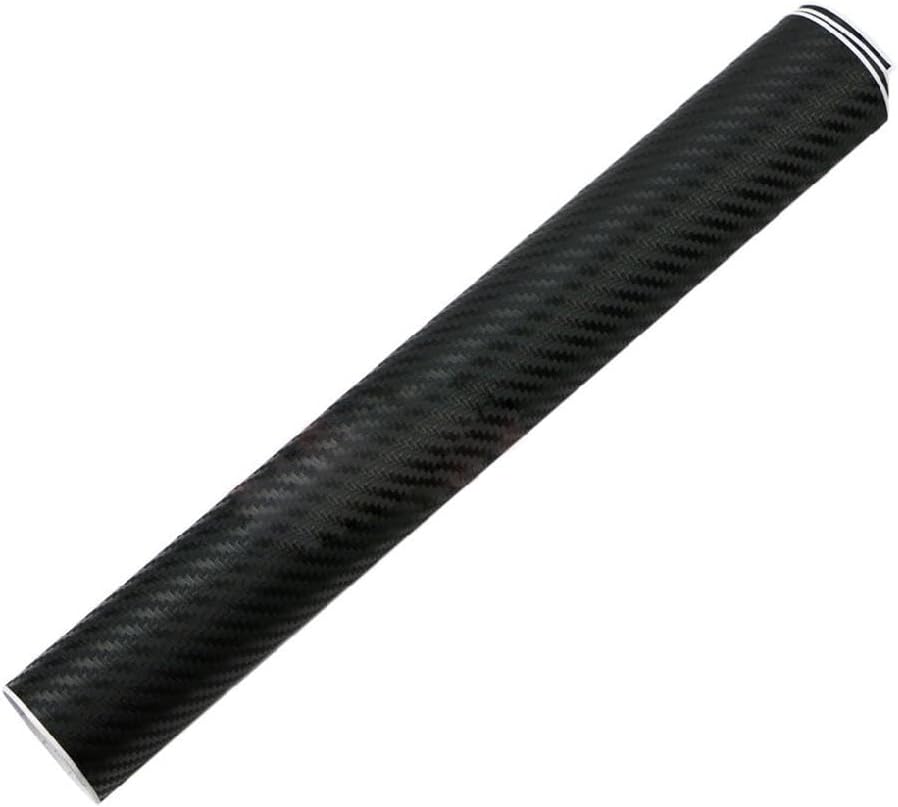
Quiet & Clear Lid Looks — Matte Skins, Carbon and Clear Shells
Choosing matte, gloss, holographic or texture? See laptop skin finishes explained.
When a clear wrap beats a printed skin: keep the original lid colour, add a thin scratch buffer, and skip busy artwork. This hub is for calm desks — clear and near-clear shields, matte solids, subtle carbon and sparse line art. Most sheets are universal vinyl: trim to the closed lid and keep edges a millimetre short of sharp corners so they do not lift in a bag. Measure the lid, not the display, before you buy. Loud galaxies, florals and fireworks live on other hubs; here the point is quiet.
Who quiet and clear skins suit
Shared offices, client calls, study desks and anyone who wants scratch cover without a loud lid. Clear (or near-clear) film keeps aluminium looking stock; matte black and soft solids read as intentional; light carbon adds grip without a print. Prefer bold artwork later? Browse custom & patterned or nature instead.
Clear wraps: fingerprints and fit
Fingerprints and dust show more on clear and gloss than on patterned vinyl — wipe with a microfibre cloth and clean the lid thoroughly before you apply. Measure still matters: use the how to measure guide, leave cameras and vents free, and keep edges a millimetre short so bag friction does not lift them. Finish choices are covered in laptop skin finishes.
Measure and apply
Most quiet wraps are universal sheets. Follow the measure guide, then the apply guide. Size ranges live in the size table.
Related model hubs
Pair a calm finish with the right chassis notes: MacBook skins, Windows laptops, Dell, HP, Lenovo.